

How online notarization works.
Remote online notarization lets you sign and have your document notarized over secure live audio-video with a commissioned North Carolina notary. Here's exactly what to expect when our online service opens.
Start with the basics.
This page walks through an online appointment step by step. If you'd like to know what remote online notarization is first, why it's new in North Carolina, and how it compares with in-person electronic notarization (IPEN) and traditional paper, start on our Remote Online Notarization page.
Remote online notarization in North Carolina
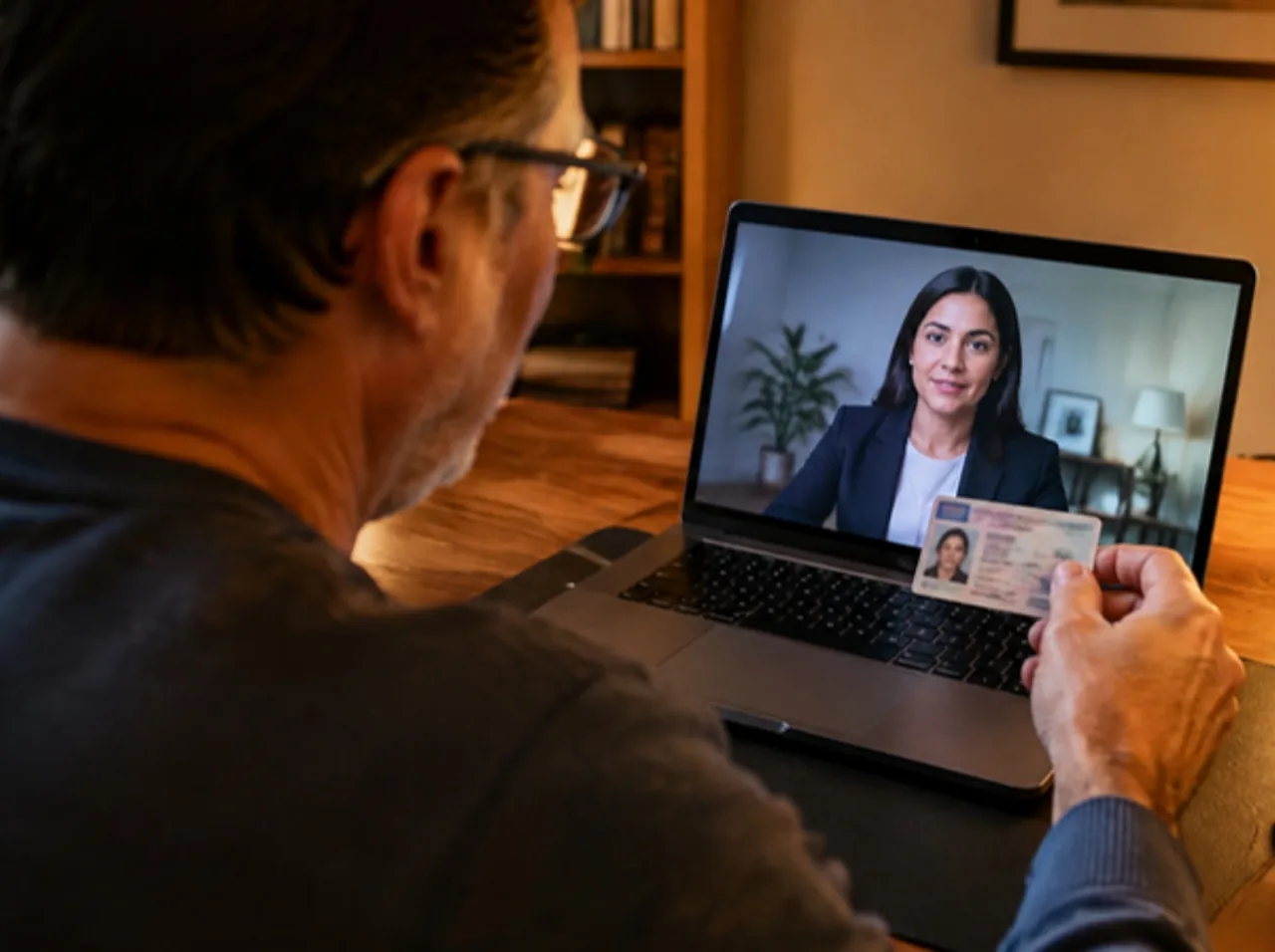 What is online notarization?A state-licensed platform, ID scan, identity questions and a recorded sessionVideo coming soon
Eight steps, start to finish.
Here's how an online appointment will work once we launch. Most sessions take about 15 minutes. Scroll, or select a step.

Document type, signers, and timing.

Complete and unsigned.

We flag problems before you pay.

Ready and eligible. Pay and book.
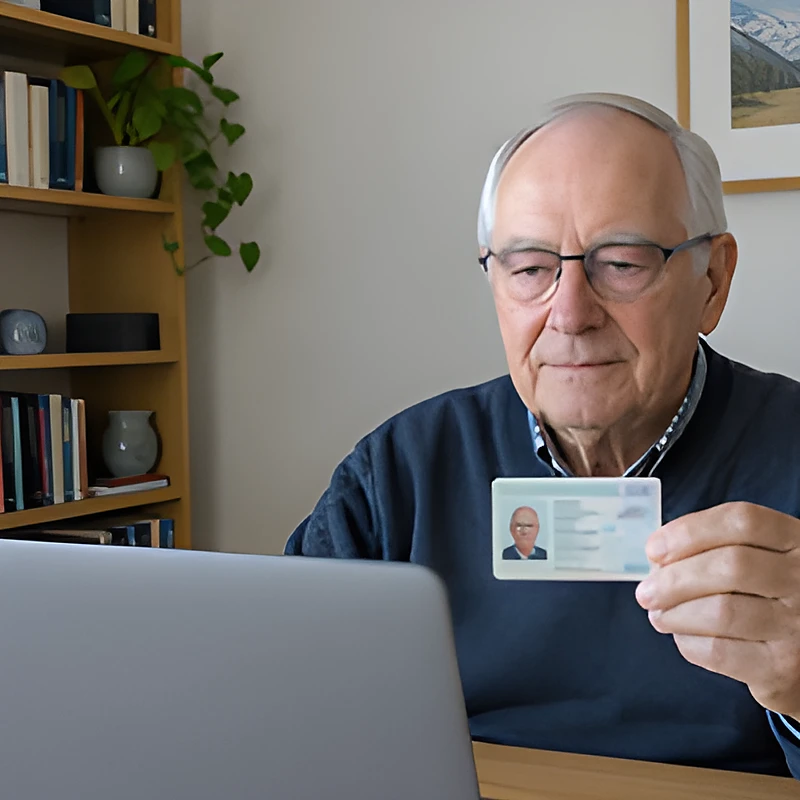
Photo ID and identity checks.

Secure live audio-video.
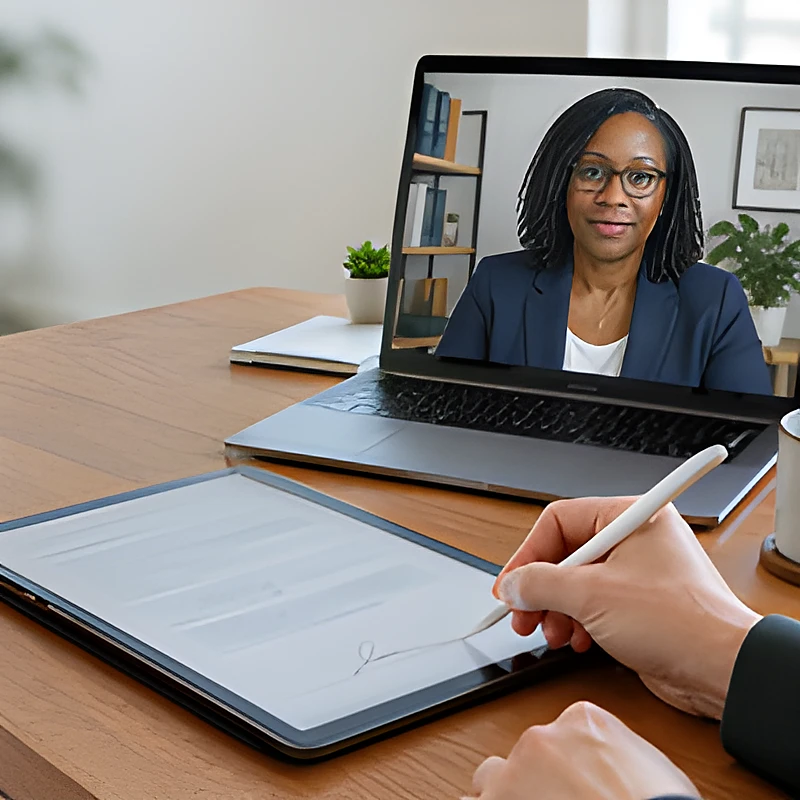
Sign while your notary watches.

Delivered electronically.
What you'll need.
Online appointments are short when everything is ready. Here's what to have in place, and how our review keeps your session on track.
- Government-issued photo ID
Current and unexpired, such as a driver's license, state ID, or passport. Online sessions also check your ID electronically (credential analysis) and ask a few identity questions (knowledge-based authentication).
- A suitable device
A computer, tablet, or smartphone with a working camera, microphone, and speakers.
- A reliable internet connection
A steady connection in a quiet, well-lit place for the whole session.
- Witnesses, when required
If your document needs witnesses, tell us when you book. Each witness needs a valid photo ID and must stay for the whole signing. Some documents require witnesses who are physically present, and those are completed in person.
- A document suited to the method
Complete, unsigned, and eligible for the notarization method you choose. We confirm this during review.
We check first. You pay after.
We review your documents before payment, so you're not paying for a notarization session that can't go forward because of an obvious document issue.
What we check
- Every page is present
- Signature blocks and a notarial certificate are included
- Signer names are consistent and match who will attend
- Witness needs are identified
- The document suits the method you selected
What we don't do
- Give legal advice
- Draft, complete, or choose documents for you
- Decide what wording your document needs
- Determine whether a document is legally valid
Our review is about notarization readiness, not legal advice. For legal questions, please consult a North Carolina attorney.
Send us a clean copy.
A complete, readable document is the fastest path to an approved review. Here's what we accept and what helps most.

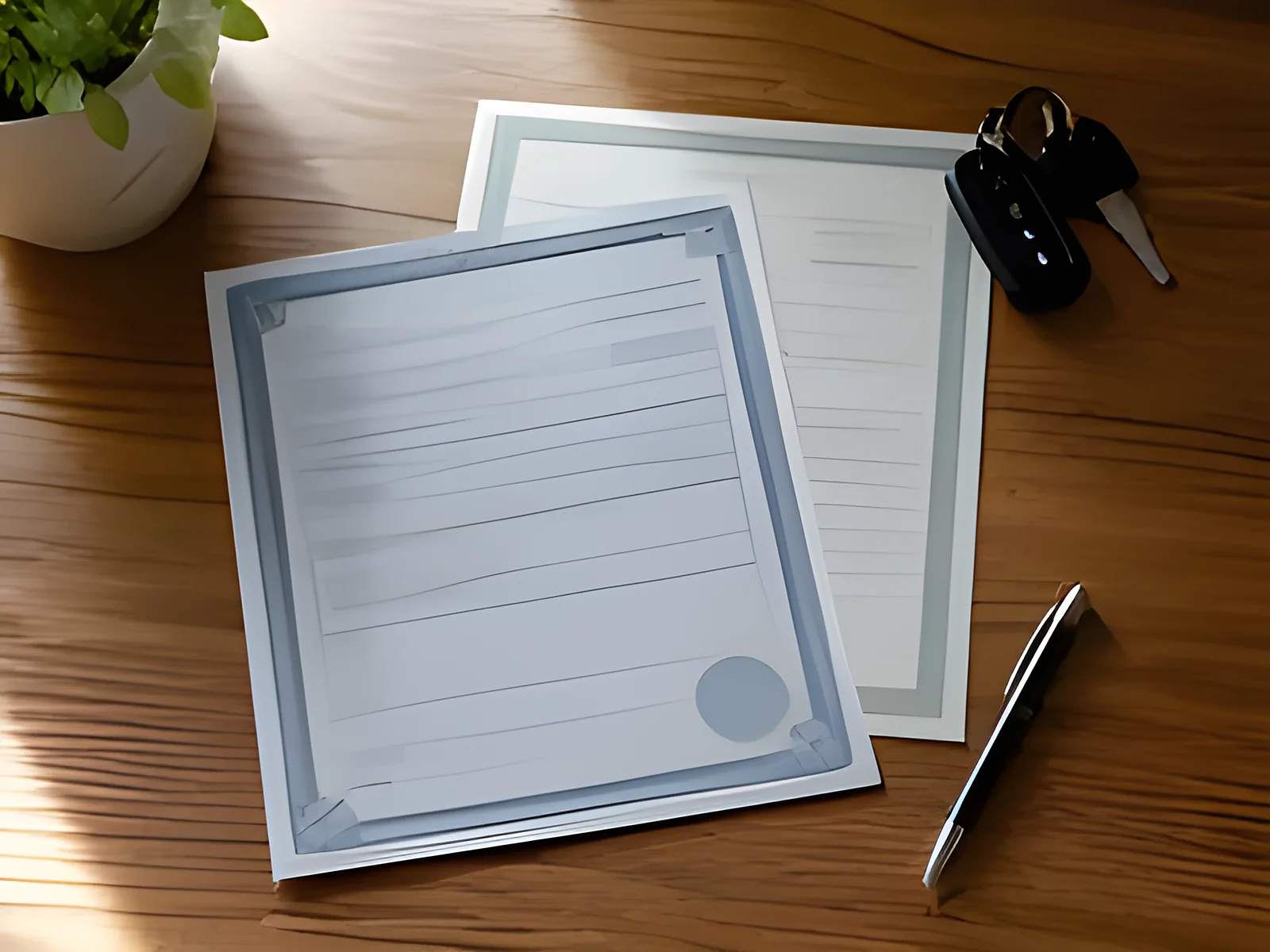
Preferred. Keeps pages in order, formatting intact, and signature lines easy to find.
A clear, high-quality scan of the paper original works when you don't have a PDF.
Accepted when every page is fully visible, readable, well lit, and free of glare.
For transactions with several documents, send everything together as one set.
Why we prefer PDFs
- Pages stay in order
- Signature and witness lines are easier to identify
- Review goes faster, so you can schedule sooner
- Better readability and accuracy
Vehicle titles
- Front and back of the title
- Odometer disclosure, if required
- Any DMV forms that go with the transfer
Vehicle title transfers are generally completed in person on the paper title. We confirm the right method during review.
Estate planning
- Every document in the package, with all pages
- A note of which documents need witnesses
- The names of everyone who will sign
Wills, codicils, and trusts generally require in-person notarization under North Carolina law, subject to statutory exceptions. Health care powers of attorney and living wills need two qualified witnesses. Some other documents, such as a financial power of attorney or a certification of trust, may be eligible online. What must be signed in person
 Witness checklist
Bring your witnesses ready.
Tell us when you book if your document needs witnesses, and arrange them before the appointment. Here's what each witness needs.
Valid photo ID
Each witness brings a current, government-issued photo ID.
Present for the whole signing
Witnesses stay from the start of the signing until it is complete.
Watches you sign
Witnesses observe the signing so they can attest to it.
Qualified for your document
Some documents have rules about who can serve as a witness. The attorney or organization that prepared your document can tell you who qualifies.
Identity, location, and witnesses.
The practical details that come up most often, answered plainly.
Identity verification
Before your session, you'll complete identity verification using a current government-issued photo ID. The platform guides you through it, and the notary confirms your identity during the session.
Where you can be
For online notarization, the notary must be physically located in North Carolina. Signers may be anywhere in the United States. Outside the U.S., North Carolina allows it only at a U.S. embassy, consulate, or diplomatic mission, or, for an active-duty service member, spouse or dependent, on a military base or vessel named in orders of more than 120 days. Signers confirm their location at the start of the session.
Witnesses
If your document needs witnesses, tell us when you make your request. Health care powers of attorney and living wills need two qualified witnesses. For an online session, your witnesses should be in the room with you, or we can complete them in person.
Prefer in person?
If online isn't the right fit, or you need something notarized before we launch, our mobile notary service comes to you in the 8 counties around Charlotte. Mobile notary
Online notarization questions.
More answers about how online appointments will work.
Yes. North Carolina law authorizes remote electronic notarization, where the signer and a commissioned North Carolina notary meet over live audio-video. It must be performed on a platform licensed by the North Carolina Department of the Secretary of State. That licensing process is underway, which is why our online service is launching soon rather than open today.
REN is North Carolina's name for remote online notarization (often called RON in other states). It lets you sign and have your signature notarized over secure live audio-video, without meeting the notary in person. The session includes identity verification and is recorded as the law requires.
Many common documents may be eligible, including many powers of attorney, affidavits, business documents, and consent forms. Eligibility depends on the specific document and North Carolina law, and the person receiving your document may have their own requirements. We confirm eligibility during review, before you pay. See documents we notarize
Yes, within limits. For online notarization, the notary must be physically located in North Carolina. Signers may be anywhere in the United States. Outside the U.S., North Carolina allows it only when the signer is at a U.S. embassy, consulate, or diplomatic mission, or is an active-duty service member (or spouse or dependent) on a military base or ship under orders of more than 120 days. Signers confirm their location at the start of the session, and the person receiving the document may have its own rules.
A current, government-issued photo ID for each signer, such as a driver's license, state ID, or passport. Online sessions add two identity checks on the platform: an electronic check of your ID (credential analysis) and a short set of questions drawn from public records that only you should be able to answer (knowledge-based authentication).
A missing page, a missing signature block, or a signer who can't attend can stop a notarization. Reviewing first lets you fix those issues before you pay or schedule. Our review is about notarization readiness only. It isn't legal advice.